
Authenticated access
Connect to IOPGPS through authenticated API access for defined integration scenarios.
IOPGPS provides authenticated API access for system integrations. Available methods, data scope, and permissions are configured for each integration.
Integration work should start with the business workflow, the systems involved, the device data available, the required permissions, and the operating process for ongoing support.
Integration Summary
Integration scope connects a business system to authenticated access, selected data, permissions, testing, and launch ownership.
Integration Architecture
An integration connects an approved external workflow with selected IOPGPS data and permissions through an authenticated implementation process. Available methods, fields, and actions depend on device capability, platform data, permissions, and implementation scope.
The customer identifies the finance, fleet, partner, service, or operational system that needs to exchange defined telematics information.
The integration uses the approved authentication method and credentials established through the customer implementation process.
The project specifies which available device, vehicle, location, alarm, track, report, or account data is required.
Account hierarchy, user responsibilities, and operating requirements determine which data and actions the integration may access.
The agreed data and system interaction are validated against the relevant IOPGPS device, account, and operational workflow.
Integration Interface
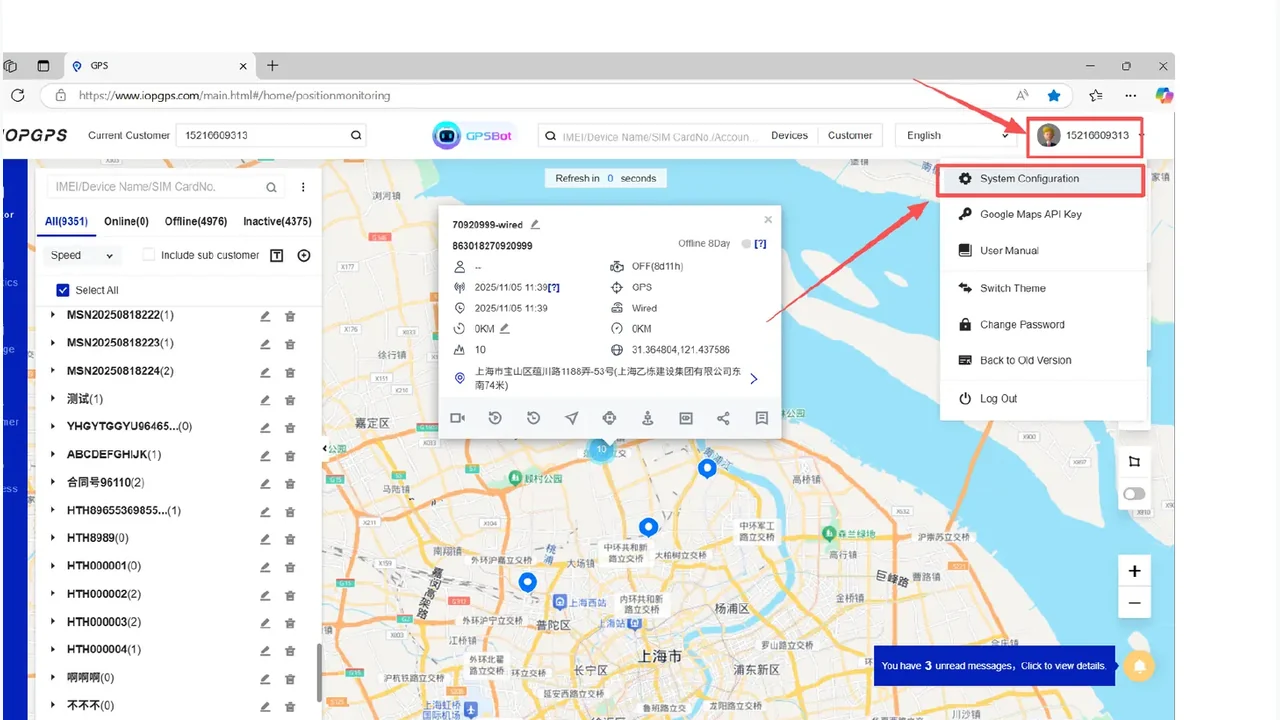
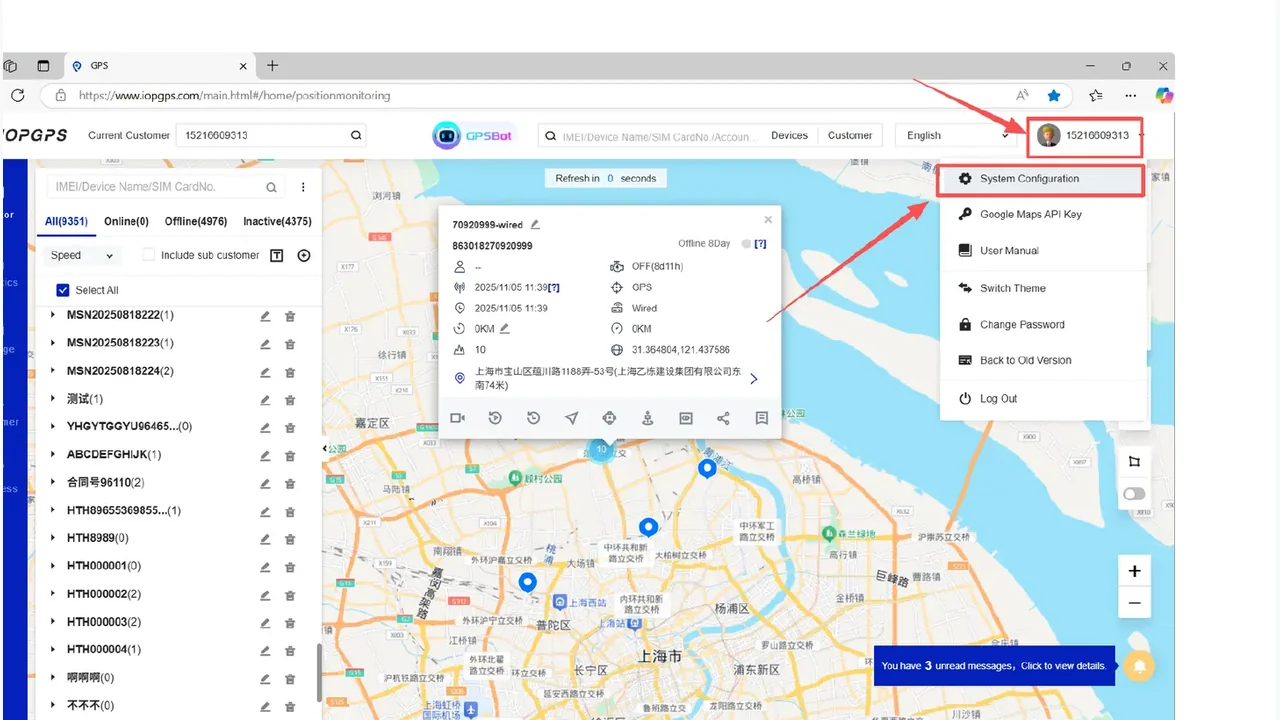
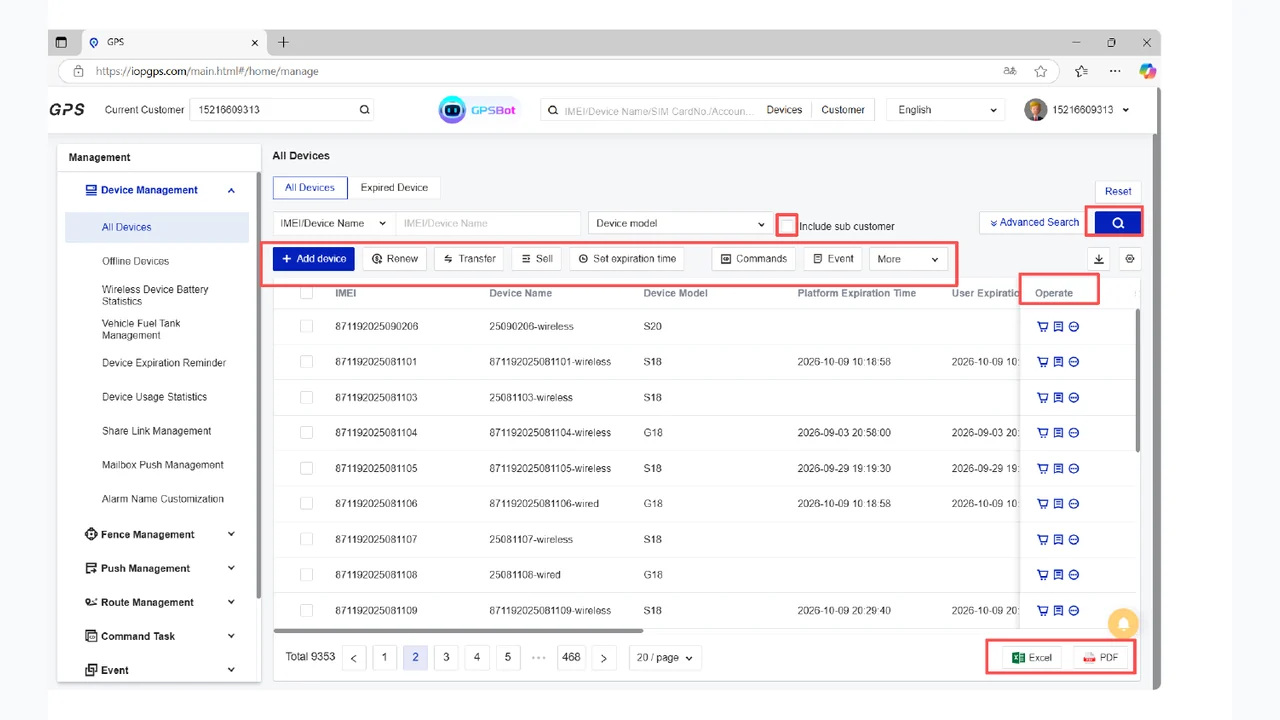
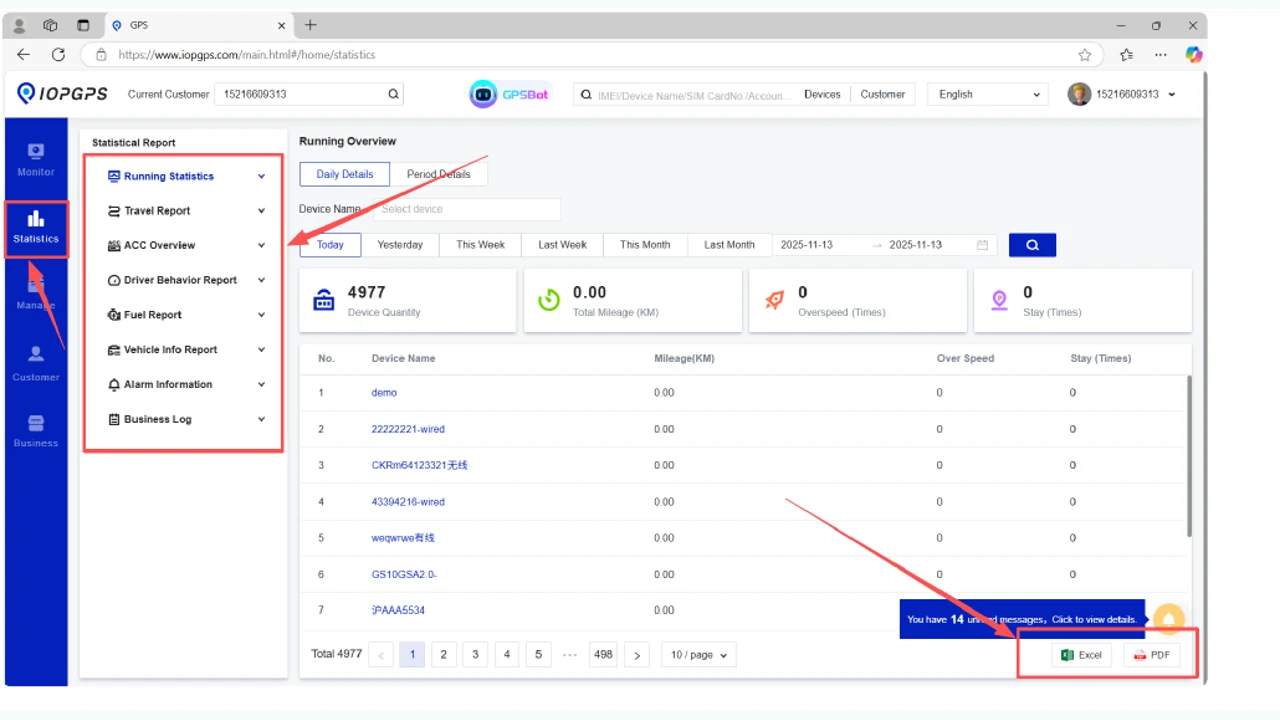
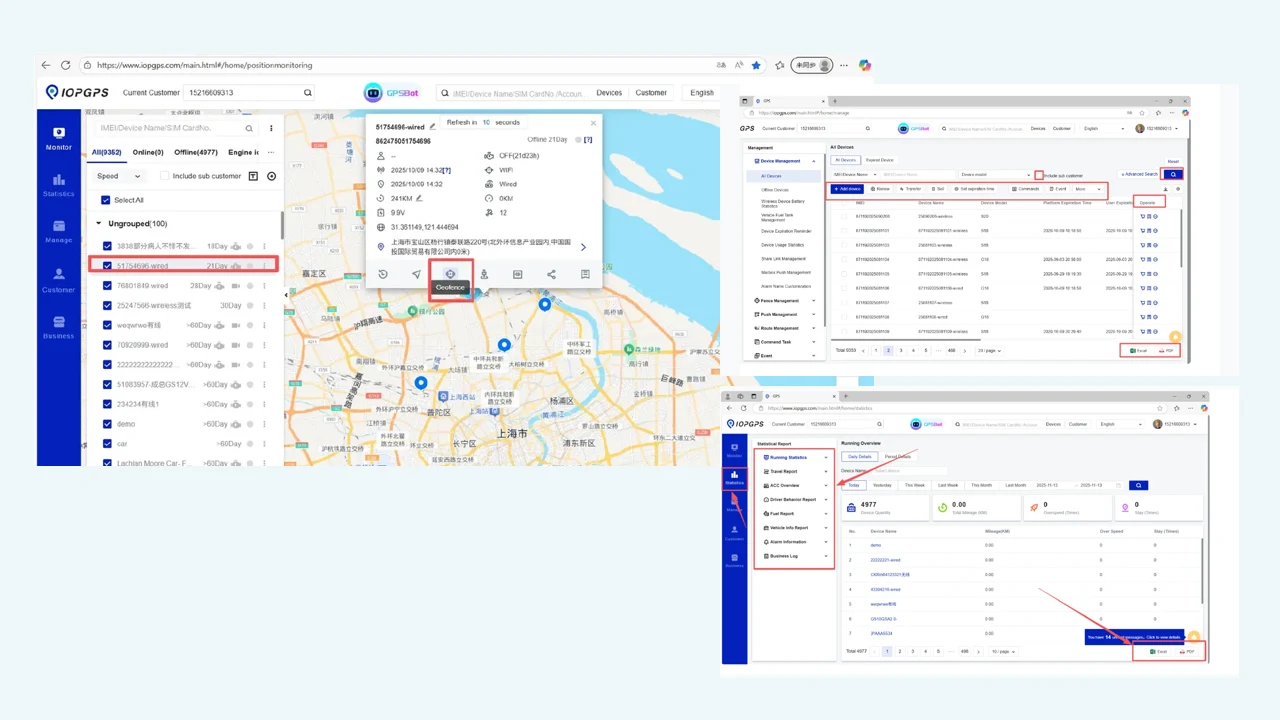
The API page keeps the existing non-sensitive integration-related screenshot and avoids low-level technical access or code examples.
Integration Capabilities
Connect to IOPGPS through authenticated API access for defined integration scenarios.
Define the device, track, alarm, report, or workflow data required for the integration.
Align access with account hierarchy, user roles, and operating responsibilities.
Connect telematics data with external systems according to agreed integration scope.
Confirm available data and implementation details before launch.
Integration Workflow
Each integration begins with a business objective and proceeds through data validation, access definition, testing, and controlled launch.
Identify the external system, operational objective, required data, and responsible business owner.
Review compatible devices, available platform data, account structure, and permission requirements.
Define the approved authentication process, data scope, user responsibilities, and integration permissions.
Validate the selected data and operating process with the external system before production use.
Move the integration into daily use with documented responsibilities and an agreed process for ongoing review.
Device and Data Dependencies
Device data availability
Account hierarchy and permission scope
External system requirements
Integration security and operating process
Deployment Considerations
API methods, data scope, permissions, and implementation details are configured for each integration.
Integration availability depends on device data, platform permissions, external system requirements, and deployment configuration.
Authentication details and implementation credentials are provided through the customer's integration process.
Customer Proof
A Southeast Asian vehicle finance provider used IOPGPS to support digital oversight for one million financed vehicles.
IMIP used a customized IOPGPS environment to digitize industrial fleet operations across 7,000 connected vehicles.
Yes. IOPGPS provides authenticated API access for defined integration scenarios.
The data scope is configured for each integration and may include supported device, track, alarm, report, or workflow data when available.
No. Authentication details and implementation credentials are provided through the customer's integration process.
Yes. WanWay supports BYOD and third-party device integration, with compatibility and available functions dependent on device protocol, data availability, permissions, and deployment configuration.
Last updated July 25, 2026.