
- Managing customer accounts and device groups across partner operations
- Onboarding different device types and deployment models
- Maintaining web and mobile operational workflows
- Connecting platform data with external systems
- Configuring branded service options for customer environments
Partner Platform Solutions
A Telematics Platform for Partners and Integrators
WanWay provides telematics service providers, device partners, and system integrators with multi-device operations, account management, mobile workflows, white-label options, and authenticated API integration through IOPGPS.
Use IOPGPS for account hierarchy, device onboarding, lifecycle management, web and mobile workflows, reports, BYOD, third-party device integration, white-label options, and authenticated APIs.

Business Challenges
What Partners Need to Operate and Scale Telematics Services
Who It Is For
Built for Telematics Providers and Integration Partners
Telematics service providers
Operate customer accounts, devices, workflows, and web/mobile services.
Device and hardware partners
Connect supported device data into structured telematics operations.
System integrators
Link IOPGPS data and workflows with external business systems.
Businesses launching branded telematics services
Configure customer-facing web and mobile experiences around partner requirements.
WanWay Approach
Manage Devices, Customers, Branding, and Integrations
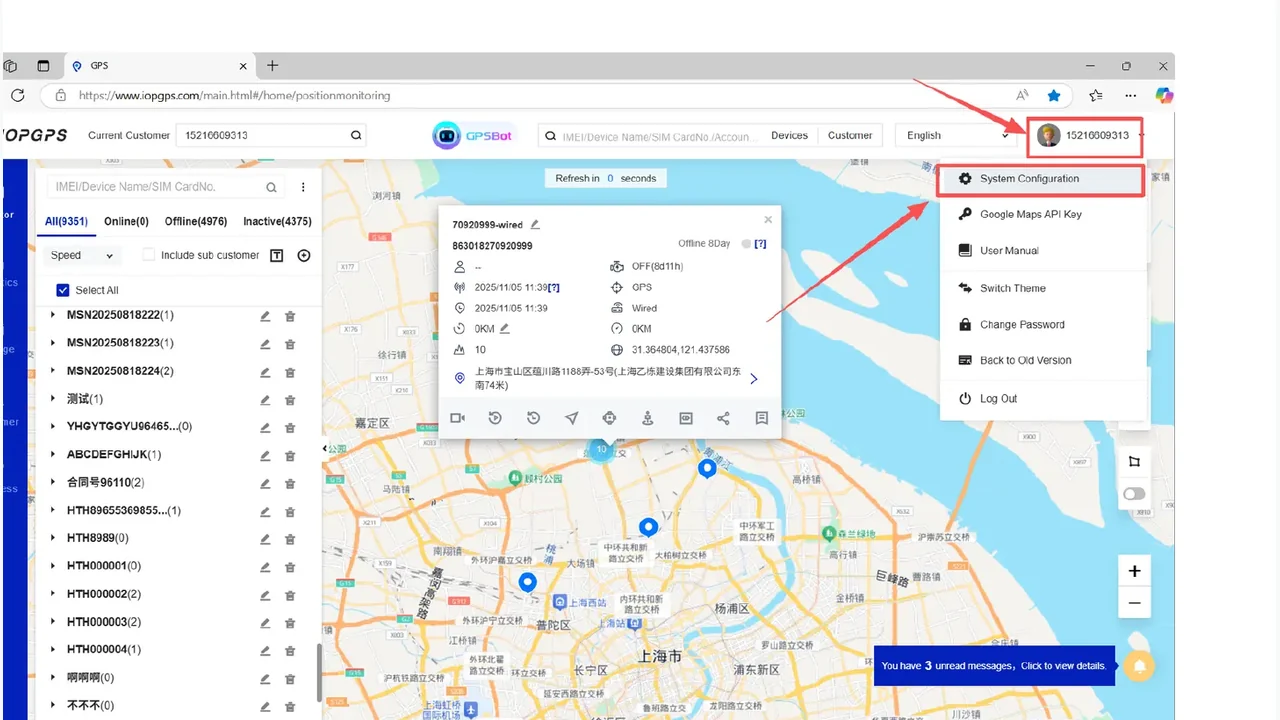
Use IOPGPS account hierarchy and role-based permissions for partner operations.
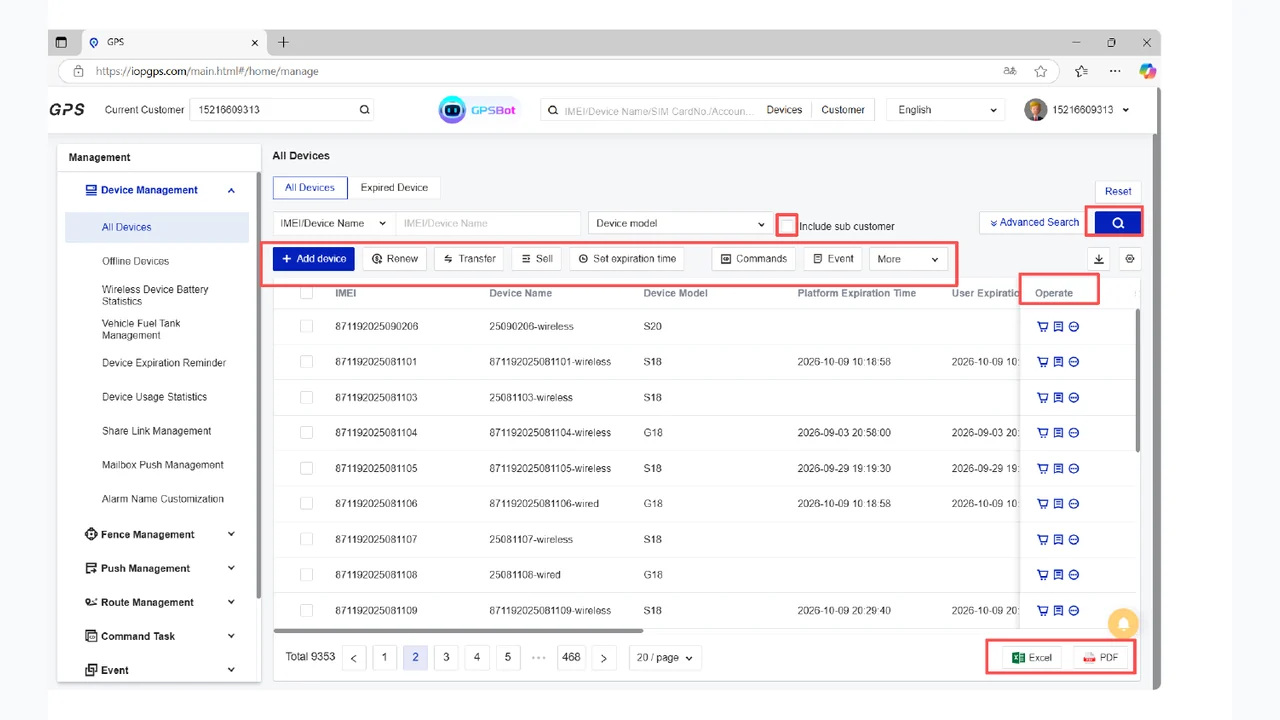
Onboard devices manually or in batches and manage lifecycle workflows.
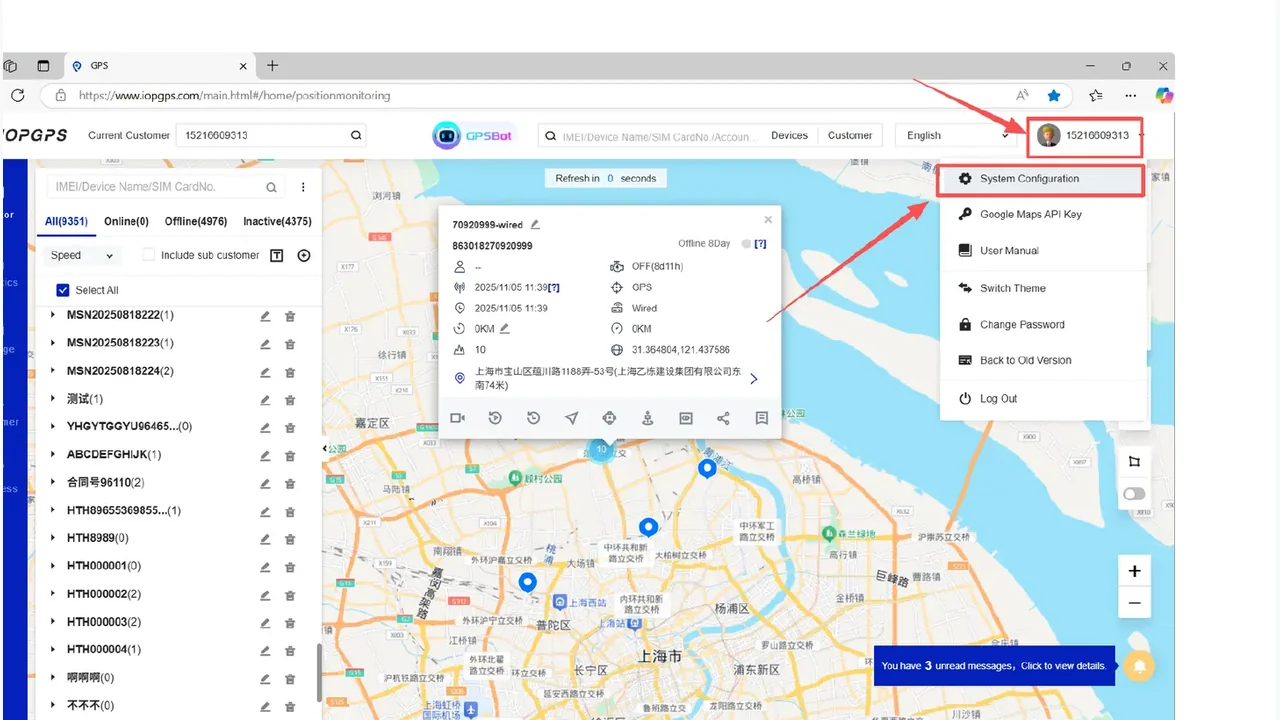
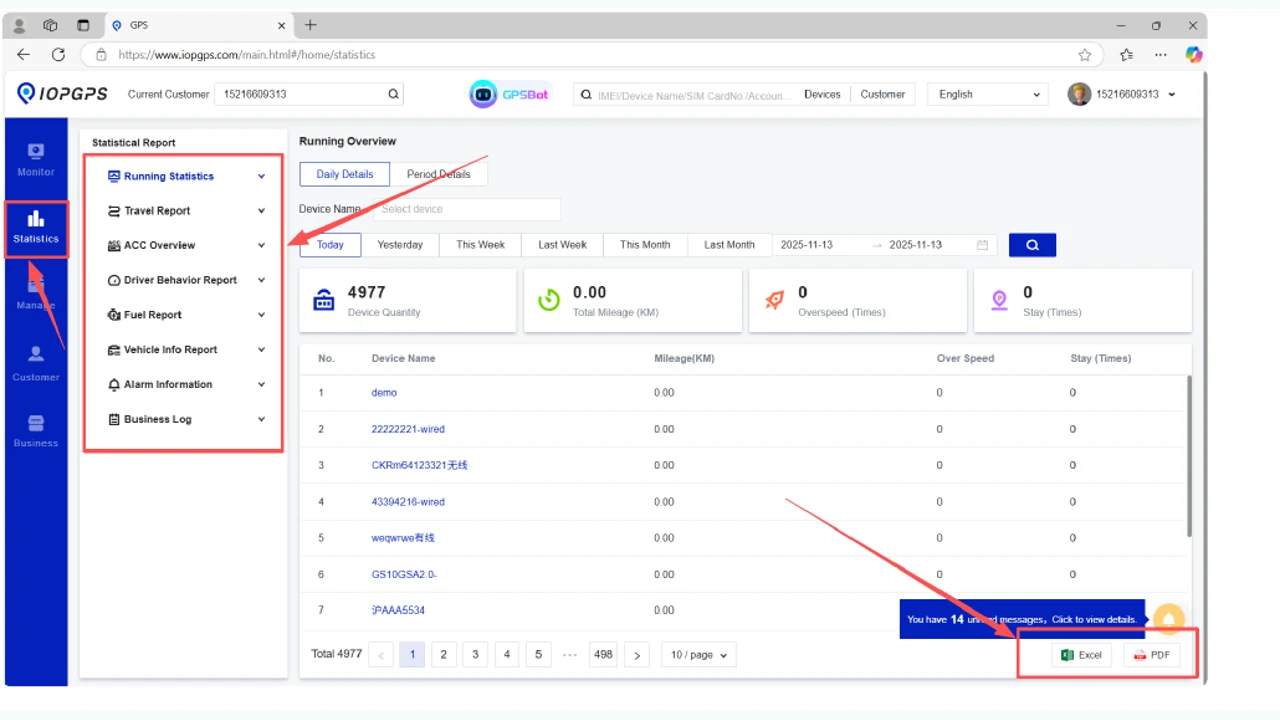
Use web and mobile monitoring, reports, exports, task workflows, and event workflows.
Scope BYOD, third-party device integration, white-label options, and authenticated API integrations for each deployment.
Deployment and Integration
Configure the Partner Platform
- Available device protocols, branding configuration, data methods, permissions, and integration scope are defined for each partner deployment.
- BYOD and third-party device integration are scoped by model, protocol, available data, and operational requirements.
- White-label options are configured according to partner branding requirements, customer environment, and commercial scope.
- API access uses authenticated methods with defined permissions and data scope.
Capabilities
Core Capabilities for Partner Operations
Customer accounts and role hierarchy
Structure partner, customer, and user access for daily operations.
Device and batch onboarding
Add devices manually or through batch workflows for partner deployments.
Device lifecycle management
Manage assignment, transfer, renewal, query, export, and related device workflows.
BYOD and third-party devices
Scope compatible devices by protocol, data availability, and support boundaries.
White-label web and mobile options
Configure branded service experiences for partner and customer environments.
Authenticated API integration
Connect partner systems through authenticated methods, permissions, and data scope.
Operational Workflow
From Device Strategy to Partner Service Launch
- Define partner roles, customer account structures, and target device scenarios.
- Assess device protocols, available data, branding needs, and integration goals.
- Configure IOPGPS accounts, devices, permissions, reports, web access, and mobile workflows.
- Set API methods, data scope, permissions, and workflow connections for external systems.
- Launch partner operations with defined support boundaries and deployment responsibilities.
Business Outcomes