Vehicle Finance Solutions

Telematics Solutions for Vehicle Finance

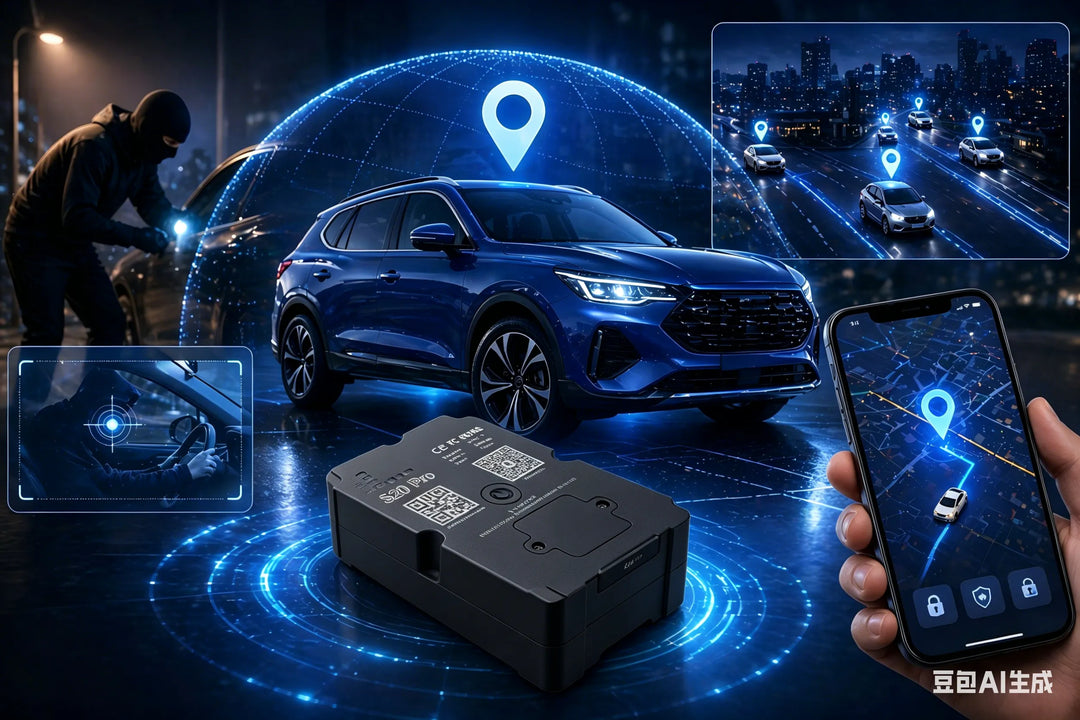
WanWay helps vehicle finance providers monitor financed assets, organize account and device operations, configure alerts and reports, and support recovery readiness through IOPGPS.

Use IOPGPS to structure accounts, onboard devices, configure geofences and alarms, export reports, enable mobile workflows, and connect platform data with business systems.
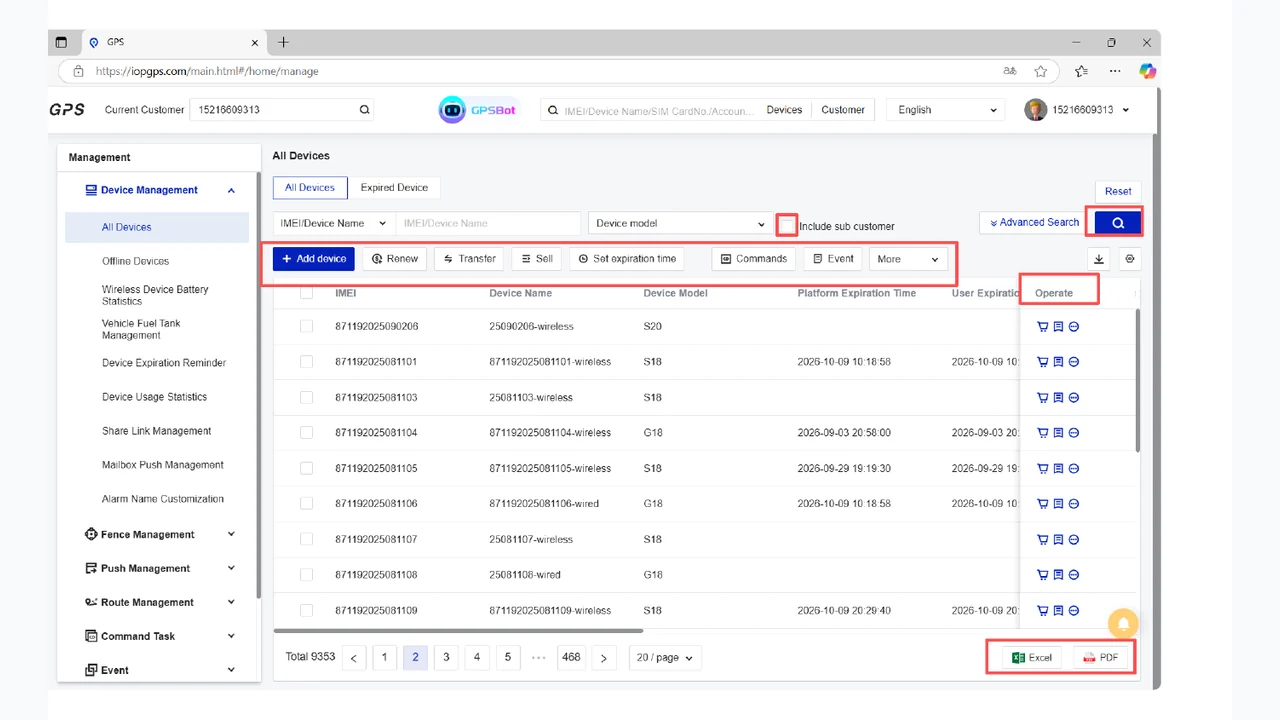

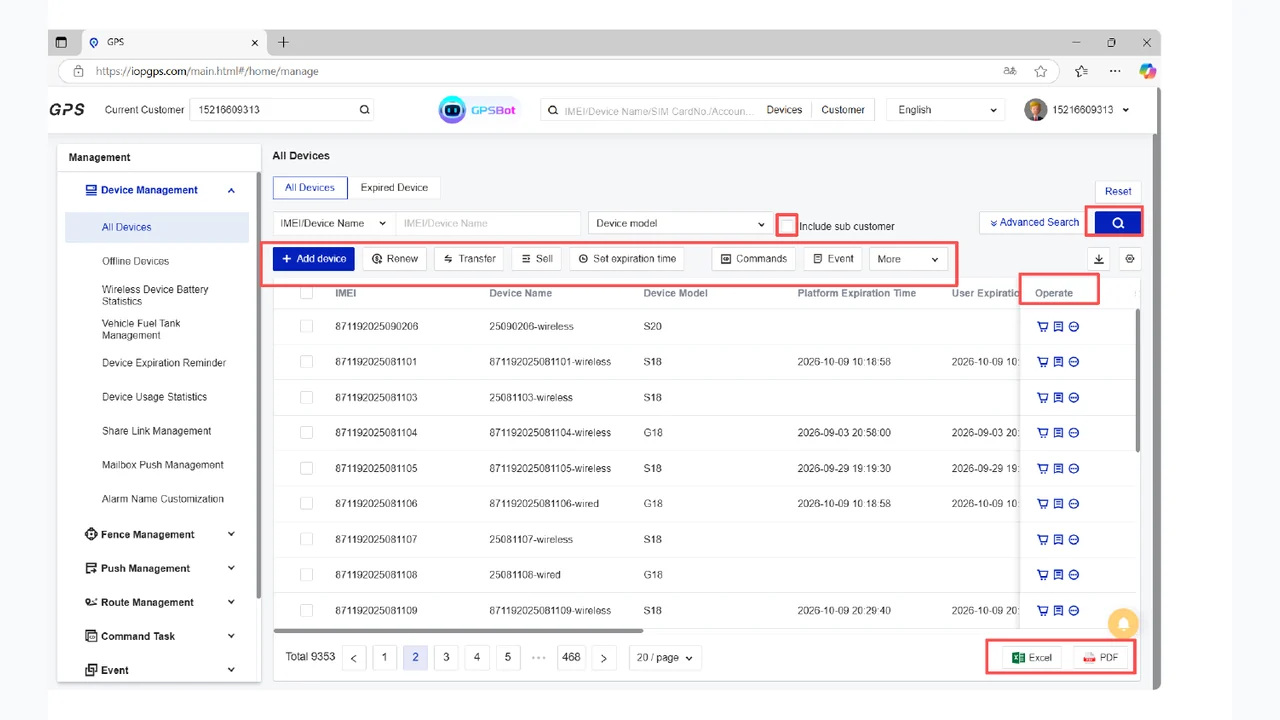
IOPGPS web platform showing device management for vehicle finance operations

Who It Is For

Built for Finance and Portfolio Operations

Auto finance companies

Manage financed-asset visibility across accounts and portfolios.

BHPH dealers

Organize vehicle monitoring, alerts, and follow-up workflows.

Leasing and asset finance providers

Track connected assets through structured account and device operations.

Portfolio and recovery teams

Use alerts, playback, reports, and mobile access for exception review.

Business Challenges

Where Financed-Asset Operations Need Better Visibility

  • Keeping financed assets visible across account and portfolio structures
  • Onboarding devices accurately at single-vehicle and batch scale
  • Managing lifecycle events such as transfer, renewal, and assignment
  • Configuring alerts, geofences, playback, and reports for operating teams
  • Connecting telematics data with portfolio and recovery workflows

WanWay Approach

Organize Accounts, Devices, Alerts, and Follow-Up

Organize customers, accounts, roles, and device groups in IOPGPS.

Use manual and batch device onboarding for portfolio setup.

Apply geofences, alarms, playback, mobile access, reports, and exports to daily operations.

Connect platform data and workflows with external systems through authenticated API integration.

Capabilities

Core Capabilities for Vehicle Finance

Account and portfolio structure

Organize customers, roles, account groups, and financed vehicles for portfolio operations.

Manual and batch device onboarding

Add individual devices or import device records for larger portfolio setup.

Device lifecycle management

Support transfer, renewal, assignment, query, export, and other device operations.

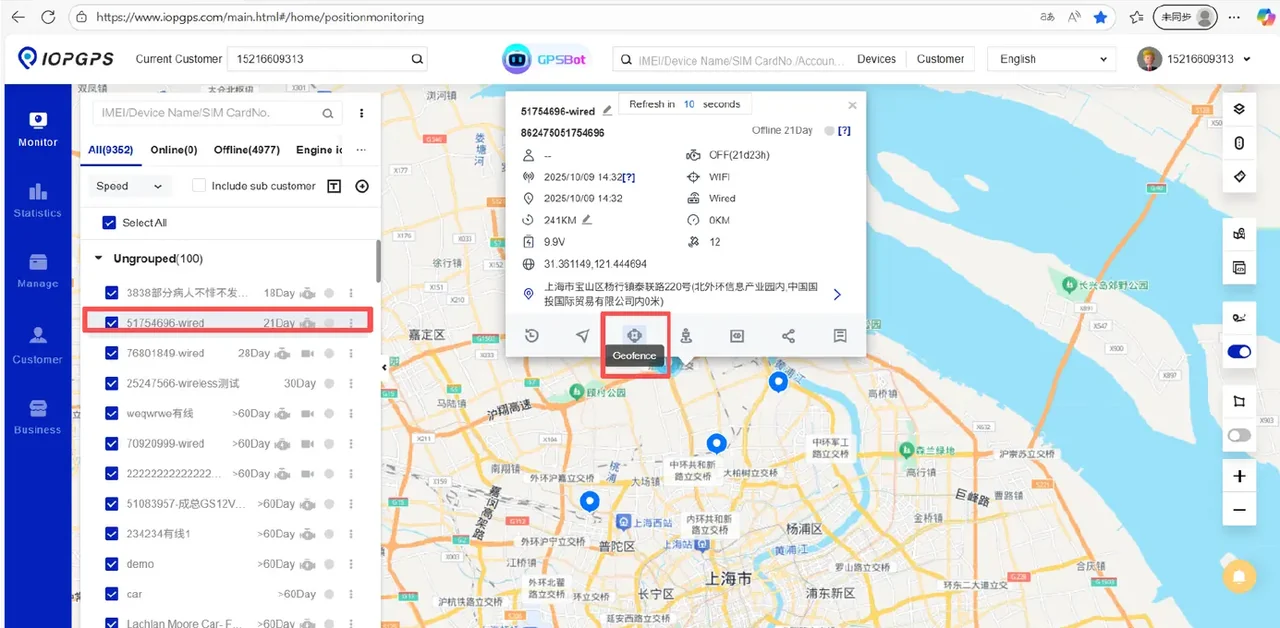
Geofences, alarms, and playback

Review location history and exception events around financed-asset workflows.

Reports and mobile workflows

Use exports, reports, and mobile access for operational review and follow-up.

Authenticated API integration

Connect platform data and operational workflows with external business systems through authenticated APIs.

Deployment and Integration

Configure the Right Finance Workflow

  • Account structures are configured around customer, dealer, portfolio, or partner responsibilities.
  • Device onboarding, BYOD, and third-party device workflows are scoped by device protocol and available data.
  • Command-enabled workflows depend on compatible devices and are configured according to customer policy, operating requirements, and applicable legal and safety controls.
  • API methods, data scope, and permissions are configured for each integration.

Operational Workflow

From Portfolio Setup to Exception Follow-Up

  1. Define portfolio structure, account roles, and operating responsibilities.
  2. Import devices manually or in batches and assign them to the right accounts.
  3. Configure geofences, alarms, reports, exports, and mobile access.
  4. Use monitoring, playback, alerts, and reports to coordinate portfolio follow-up.
  5. Connect platform data and operational workflows with external business systems through authenticated APIs.

Business Outcomes

Improve Visibility Across Financed-Asset Operations

Improve financed-asset visibility across account and portfolio operations.

Give teams a clearer structure for device onboarding, lifecycle events, and exception review.

Support finance, operations, and recovery teams with reports, exports, and mobile access.

Create defined integration paths between IOPGPS and portfolio systems.