
Vehicle finance risk monitoring for distributed dealer or lender portfolios
Vehicle finance teams can use IOPGPS to organize accounts, onboard compatible vehicle trackers, monitor exceptions, review reports, and connect defined data flows with external systems.
Vehicle finance, BHPH, leasing, and dealer portfolio operations
Scenario Overview
Where This Fits
Vehicle finance teams can use IOPGPS to organize accounts, onboard compatible vehicle trackers, monitor exceptions, review reports, and connect defined data flows with external systems.
Business Challenges
What Teams Need to Manage
Portfolios can span dealers, branches, regions, and account teams with different visibility needs.
Exception review may require alerts for movement, geofence activity, device status, or tamper context.
Managers may need reports and exports without giving every user the same platform permissions.
Recommended Device Approach
Match Device Category to Workflow
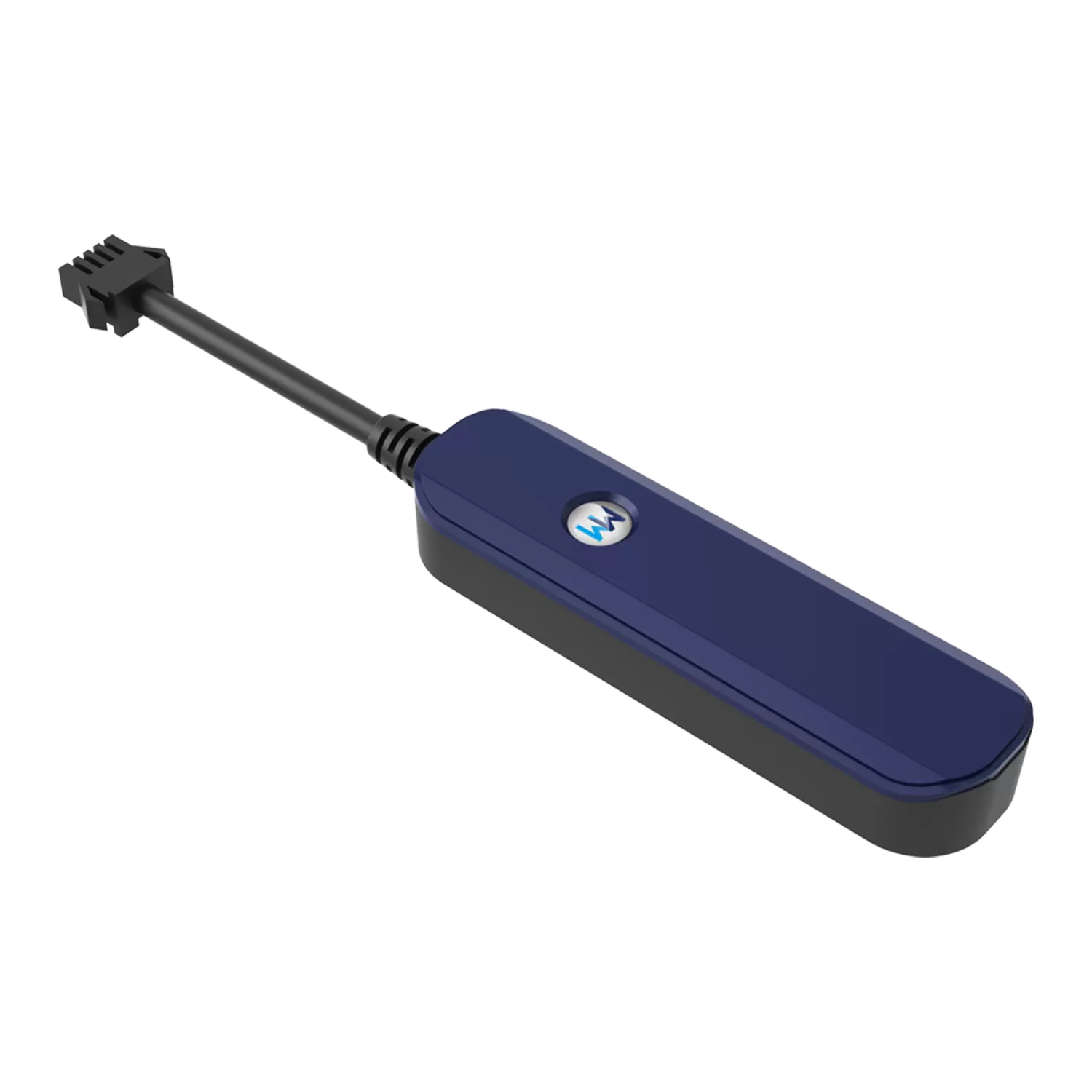
Hardwired vehicle trackers for financed vehicles that need stable power and installation control.
Compatible devices that can provide the data needed for alerts, reporting, and account workflows.
Existing or third-party devices when protocol, data, and deployment scope can be validated.
IOPGPS Capabilities
Capabilities Commonly Used in This Scenario
Account hierarchy and role-based permissions
Manual and batch device onboarding
Geofence and movement-event monitoring
Reports, exports, and mobile access
Authenticated API access for defined integrations
Typical Workflow
From Scope to Operation
- Define portfolio structure, account groups, user roles, and reporting responsibilities.
- Review device models, protocols, required data fields, and installation conditions.
- Configure accounts, devices, geofences, alerts, reports, and mobile access in IOPGPS.
- Use reports, exports, and integration scope to support review and follow-up workflows.
Deployment Considerations
What Must Be Scoped
Available functions depend on device model, protocol, available data, permissions, and deployment configuration.
Command-enabled workflows require compatible devices and customer-defined legal, safety, and operating controls.
API methods, data scope, and permissions are configured for each integration.
Expected Operational Value
Qualitative Value Only
Faster access to vehicle and account context
More consistent exception review
Clearer account responsibility
Reduced manual checking
Related Content
Continue Through Solutions and Platform
Frequently Asked Questions
Is this a real customer deployment?
No. This page is a Representative Use Case. It describes a common deployment scenario using confirmed WanWay and IOPGPS capabilities without presenting a customer name, quote, logo, deployment scale, ROI, or customer-reported metric.
What affects available functions?
Available functions depend on device model, protocol, data availability, account permissions, legal and safety requirements, and deployment configuration.
How should this scenario be scoped?
Start by reviewing business goals, device categories, data requirements, user roles, reporting needs, and integration goals with WanWay.